Connector Defect GenerationDents & Flash in Under 2 Minutes
A step-by-step walkthrough of how the OV Auto-Defect Creator Studio generates photorealistic synthetic defects on industrial electrical connectors — from AI-suggested defect types to severity-controlled results, ready for AI training export.
Full Workflow
9-Step Walkthrough
Follow the complete workflow from loading a clean connector image to exporting annotated synthetic defects — ready to train your visual inspection model.
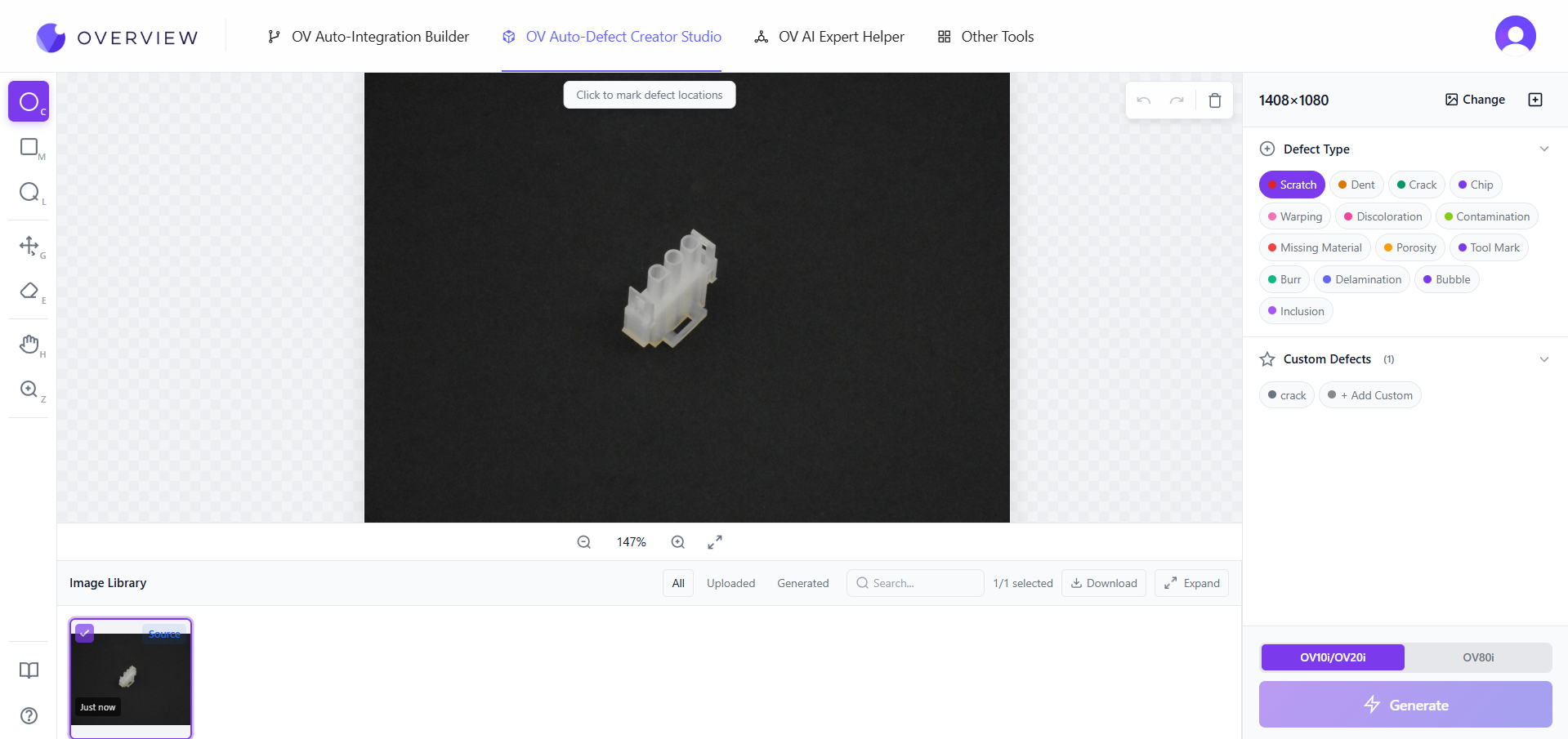
Load the Connector Image
Start by uploading a clean, defect-free reference image of the electrical connector. The studio supports all standard image formats at full camera resolution — no downscaling, no compression artifacts that would throw off defect placement.
Using your actual camera-captured image ensures the generated defects match the exact lighting, texture, and resolution of your production environment.
What This Demonstrates
Capabilities on Display
This connector walkthrough showcases four core studio features working together in a single two-minute session.
Two Defect Classes in One Session
Generate dents and flash (extra plastic) in a single workflow pass — no re-uploading, no context switching.
AI-Suggested Defect Types
No need to know every defect class. The AI analyzes your part and recommends the most relevant types to generate.
Severity Range Coverage
Mild to extreme — generate defects across the full severity spectrum so your model learns every level of failure, not just the obvious ones.
Annotated Export Ready
Every generated image exports with bounding box coordinates, defect class label, and severity metadata — no manual labeling required.
Defects Generated in This Session
Two Classes, One Connector
A shallow surface deformation on the connector housing exterior. At mild severity, this represents the kind of borderline quality escape that causes downstream failures without triggering visual inspection — exactly the defects your model needs to learn.
An over-mold extrusion along the parting line — a common injection molding defect where excess material bleeds past the mold boundary. At 100% severity, the flash protrusion is visually prominent, creating a strong positive signal for model training.
Explore More
Other Use Cases
See how the same studio handles multi-region defect annotation across different product types and assembly workflows.
Washing Machine Door — Screw Seating
Multi-region defect annotation on a washing machine door panel. Individually tuned severity per screw — demonstrating complex assembly inspection training.
Back to Defect Creator Studio
Explore all capabilities of the OV Auto-Defect Creator Studio: precision generation, micro-defects, style transfer, and more.
Ready to Generate Your Own Connector Defects?
Start with your own part images. The OV Auto-Defect Creator Studio works on any connector type, any camera resolution, any defect class.